Web Design
10 Essential Features Every Modern Business Website Should Have in 2026
A practical checklist of the ten features that separate a website that generates inquiries from one that just exists.
- By Innovix Solutions LLC
- 6 min read
A business website has one job: help the right people understand what you offer and take the next step. Visual trends come and go, but the features that make a site do that job are remarkably stable.
This guide covers ten essentials of modern business website design in 2026. Use it as a checklist for a new site, or to audit the one you have. Each feature includes what it means in practice and how to check whether your site gets it right.
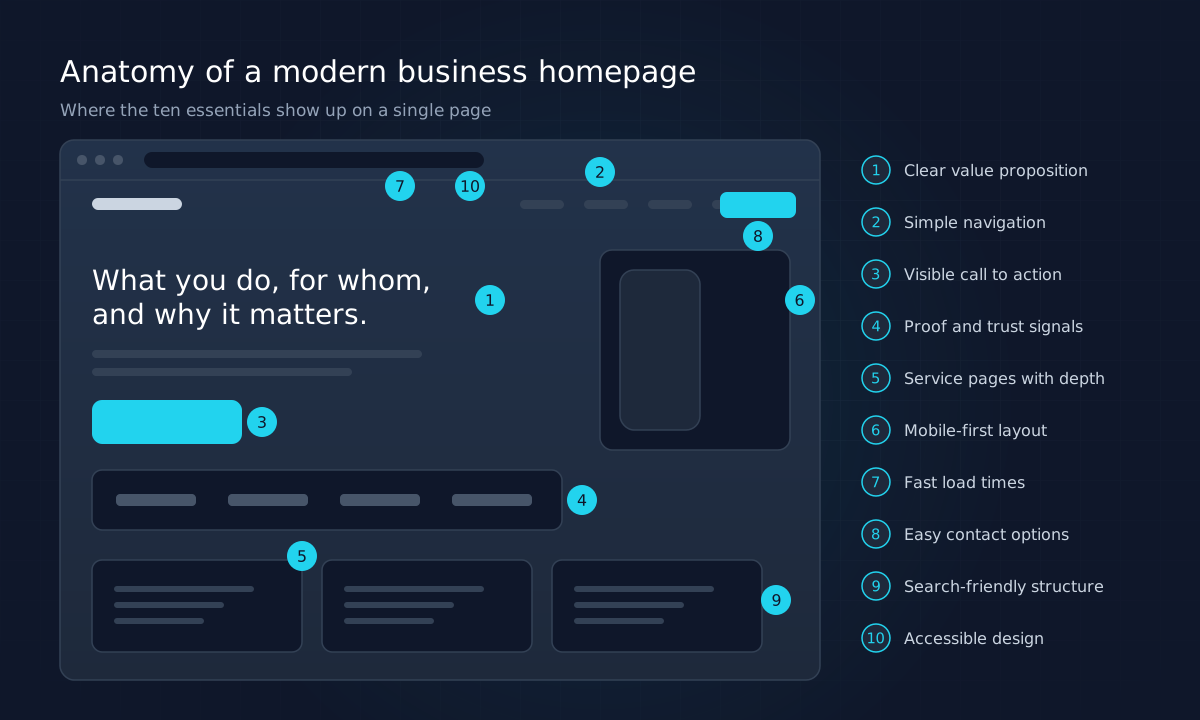
1. A clear value proposition above the fold
Visitors decide within seconds whether they are in the right place. The top of your homepage should answer three questions without scrolling: what you do, who it is for, and why it matters.
Compare "Innovative solutions for tomorrow's challenges" with "Commercial HVAC installation and maintenance for facilities across the Albuquerque metro area." The second is less poetic and far more useful.
Check it: Show your homepage to someone outside the company for five seconds. Ask them what you do. If they cannot say, rewrite the headline.
2. Simple, predictable navigation
Navigation should use the words customers use, not internal jargon. Keep top-level items to a handful, group services logically, and make sure the current page is clearly indicated.
On mobile, the menu should be easy to open, easy to close and usable with one thumb. Dropdowns must work by tap and by keyboard, not just on hover.
Check it: Can a new visitor reach any key page in two clicks or fewer?
3. A visible, specific call to action
Every important page should make the next step obvious. Generic buttons such as "Submit" or "Learn more" underperform specific ones like "Request a quote" or "Book a 20-minute call."
Use one primary action per page, repeat it at natural decision points, and keep secondary actions visually quieter. This is the foundation of website conversion optimization: reduce uncertainty about what to do next.
Check it: On each service page, is there a clear action visible without hunting?
4. Proof and trust signals
Buyers want evidence before they commit. Useful proof includes case studies, testimonials with real names and companies, recognizable client logos (with permission), certifications you actually hold, clear contact details and a physical address.
Honesty matters here. Invented testimonials or vague claims damage trust when discovered, and search engines increasingly evaluate signals of experience and trustworthiness. If you are a newer business, lean on clear explanations of your process, transparent pricing guidance and detailed service content instead.
Check it: Would a skeptical buyer find a reason to believe you within one scroll?
5. Service pages with real depth
A single "Services" page with a paragraph for each offering is one of the most common weaknesses on small business sites. Each core service deserves its own page that explains the problem it solves, what is included, how the process works, typical questions and a clear call to action.
Dedicated pages help visitors self-qualify and give search engines specific content to rank for specific searches.
Check it: Does each major service have its own URL with substantial, original content?
6. Mobile-first, responsive design
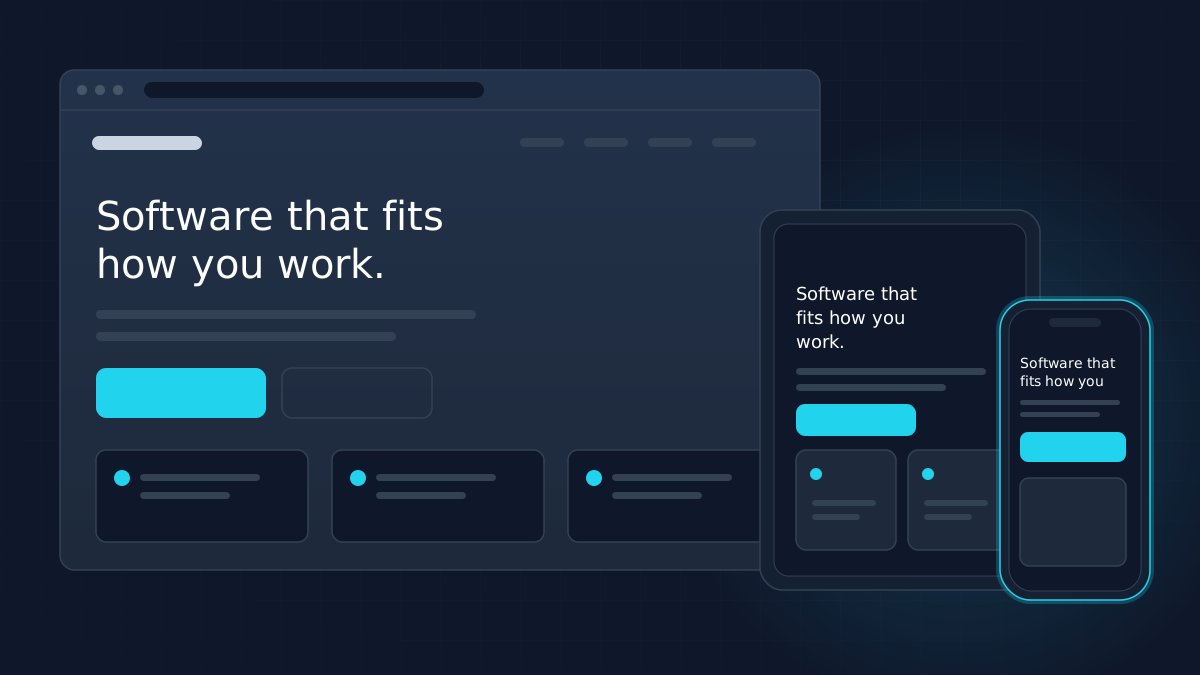
For many businesses, a large share of visitors arrive on phones. Responsive web design means the layout adapts to the screen, not that the desktop version shrinks.
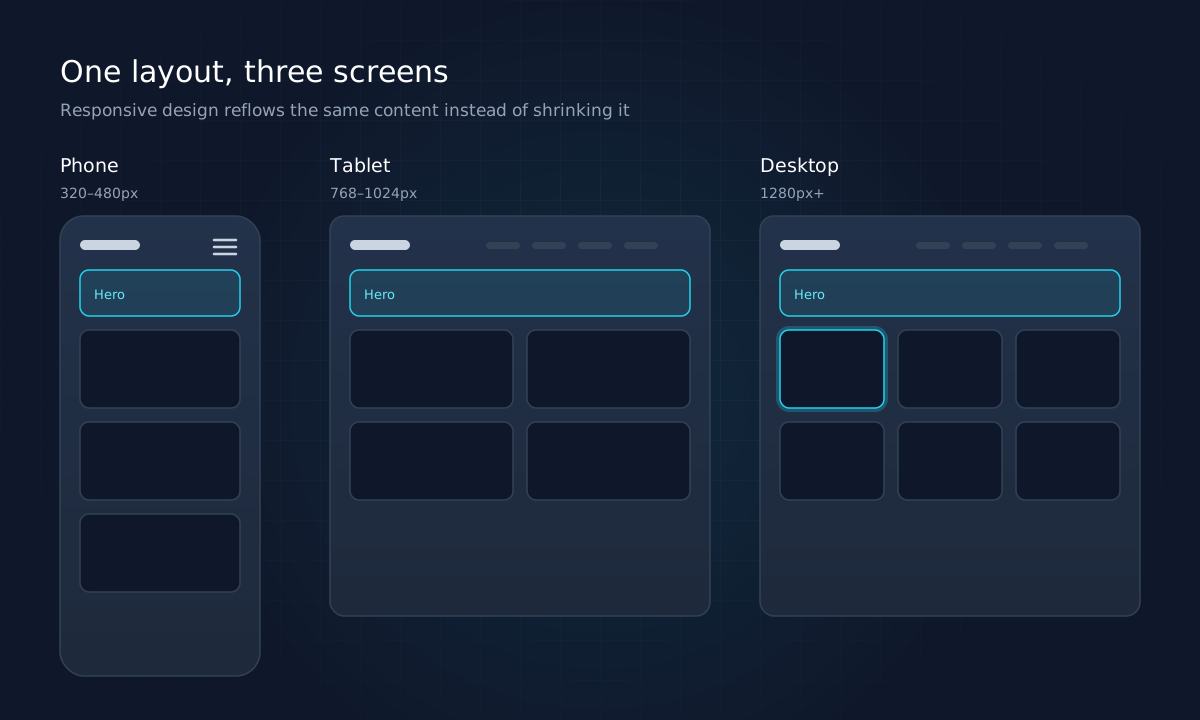
Good mobile design includes readable type without zooming, tap targets large enough for fingers, forms that use the right keyboard for each field, and no horizontal scrolling.
Check it: Complete your main conversion action on a phone. Note every moment of friction.
7. Fast load times
Speed affects both user experience and search visibility. Google's Core Web Vitals define a good experience as a Largest Contentful Paint of 2.5 seconds or less, Interaction to Next Paint of 200 milliseconds or less and Cumulative Layout Shift of 0.1 or less, measured at the 75th percentile of real page loads.
The usual culprits behind slow sites are oversized images, heavy themes and plugins, too many third-party scripts and slow hosting. Fixes include modern image formats such as WebP and AVIF, lazy loading below-the-fold images, removing unused scripts and serving pages from a fast host or CDN.
Check it: Test key pages with PageSpeed Insights and review the Core Web Vitals report in Google Search Console.
8. Easy contact options
Different visitors prefer different channels. Offer a short contact form, a clickable phone number and an email address, and make them easy to find from every page, typically in the header and footer.
Forms should ask only what you need to respond well. Every extra required field reduces completions. Confirm successful submission clearly, and never show a success message unless the message was actually sent.
Check it: How many fields does your main form have? Could you remove any?
9. Search-friendly structure
Professional website development builds SEO foundations into the site rather than adding them later:
- One descriptive H1 per page and a logical heading hierarchy
- Unique title tags and meta descriptions
- Clean, readable URLs
- An XML sitemap and sensible robots.txt
- Structured data that accurately describes your organization and content
- Descriptive internal links between related pages
- Content rendered in HTML that search engines can crawl
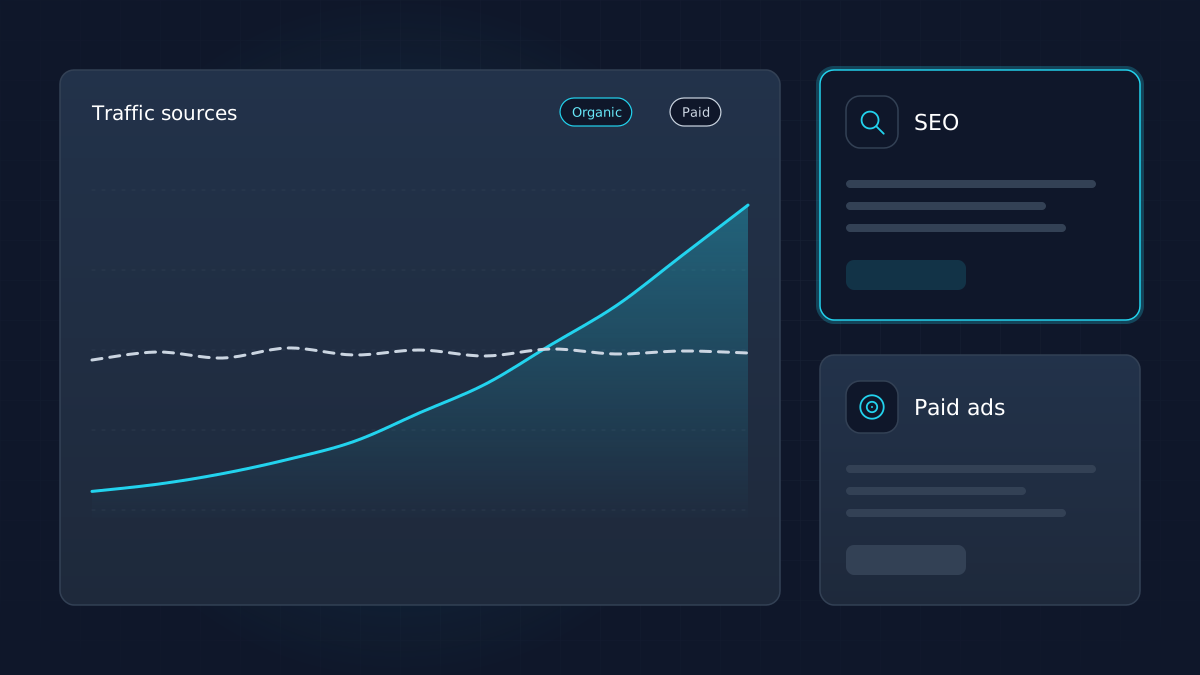
These basics will not guarantee rankings, but without them even excellent content struggles. Our comparison of SEO and paid advertising explains how organic visibility fits into a wider marketing plan.
Check it: View the page source of a service page. Is the main content present in the HTML?
10. Accessible design
Accessibility means people with disabilities can use your site, including those who rely on screen readers, keyboard navigation or magnification. The W3C's Web Content Accessibility Guidelines (WCAG) 2.2 are the recognized standard.
Practical essentials include sufficient color contrast, visible focus indicators, alt text for meaningful images, form labels, captions for video and support for reduced-motion preferences. Accessible sites tend to be clearer for everyone.
Check it: Navigate your site using only the Tab and Enter keys. Can you reach and operate everything?
Features that matter less than you think
Some features consume budget and attention without moving results. Treat these with caution:
- Autoplay hero videos and sliders. Rotating carousels are often ignored, slow down the page and hide messages behind clicks. A single, clear message usually performs better.
- Heavy animation. Subtle motion can guide attention, but excessive effects distract, hurt performance and can cause discomfort for some users. Respect the reduced-motion setting.
- Chat widgets nobody answers. A live chat that sits unattended creates a worse impression than none at all. If you add one, staff it or set clear expectations.
- Pop-ups on arrival. Interrupting visitors before they have read anything tends to annoy more than it converts, especially on mobile.
- Social feeds embedded on the homepage. They add third-party scripts and rarely help a buyer decide.
None of these are forbidden. The question to ask is whether a feature helps a visitor understand your offer and take the next step. If it does not, leave it out.
Quick reference: the ten essentials
| Feature | Why it matters | Quick test |
|---|---|---|
| Clear value proposition | Visitors decide fast | Five-second test |
| Simple navigation | Reduces lost visitors | Two clicks to any key page |
| Specific call to action | Guides the next step | Visible on every key page |
| Proof and trust | Reduces buyer risk | Evidence within one scroll |
| Deep service pages | Qualifies and ranks | One URL per core service |
| Mobile-first design | Most visits may be mobile | Convert on a phone |
| Fast load times | Experience and SEO | Core Web Vitals report |
| Easy contact | Removes friction | Minimal form fields |
| Search-friendly structure | Discoverability | Content in HTML source |
| Accessibility | Inclusive and lower risk | Keyboard-only navigation |
Where to start
If your site misses several of these, resist the urge to fix everything at once. Prioritize by impact: clarity of message and calls to action usually come first, followed by mobile usability and speed, then content depth and technical SEO.
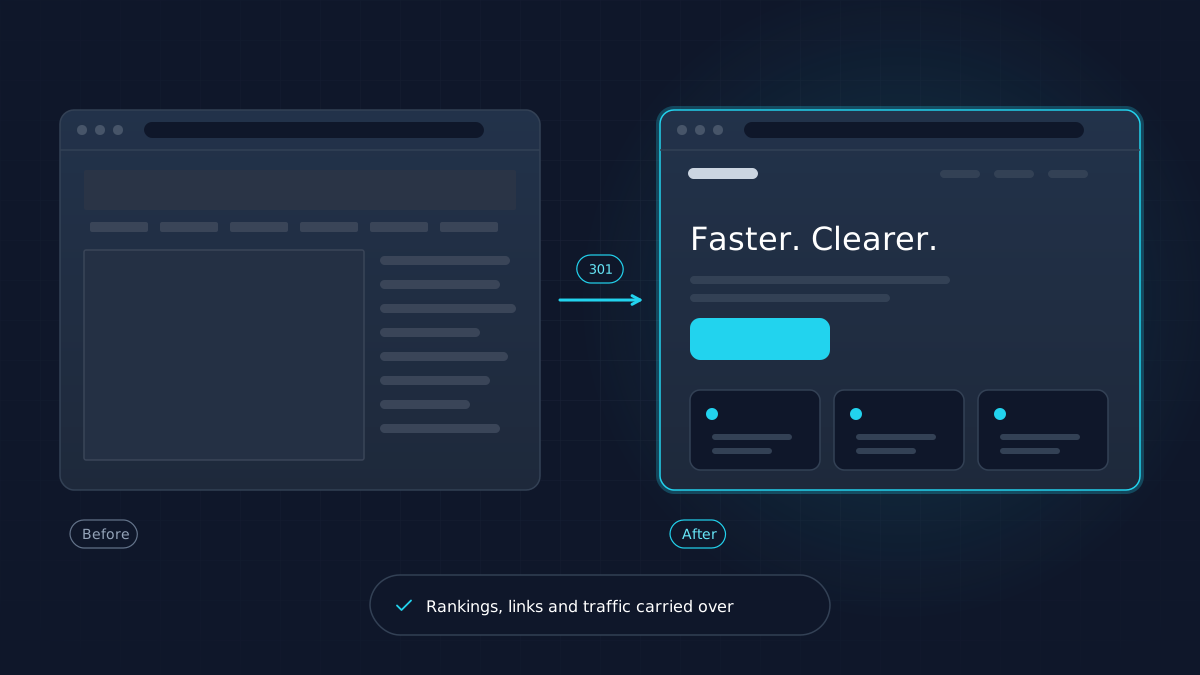
If the gaps are fundamental, a redesign may be the better route. Plan it carefully: our website redesign checklist explains how to modernize without losing search rankings.
Innovix Solutions provides website design and development and UI/UX design for businesses across the United States. If you sell online, our guide to e-commerce website development covers the additional features stores need.
Frequently asked questions
A modern business website explains its value clearly, works well on phones, loads quickly, is accessible, is structured for search engines and makes it easy to contact the business. Visual style matters, but these fundamentals determine whether the site generates inquiries.
Google's Core Web Vitals recommend a Largest Contentful Paint of 2.5 seconds or less, an Interaction to Next Paint of 200 milliseconds or less and a Cumulative Layout Shift of 0.1 or less, measured at the 75th percentile of real visits.
Accessibility helps every visitor and reduces legal risk. Following the W3C's Web Content Accessibility Guidelines, such as sufficient contrast, keyboard navigation, alt text and clear labels, is good practice for websites of any size.
There is no fixed schedule. Many businesses refresh content continuously and consider a redesign when the site no longer reflects their offering, performs poorly on mobile, or fails to generate inquiries. Incremental improvement is often better than a full rebuild.
Website builders can work well for very simple sites. Businesses that depend on search visibility, need custom functionality or integrations, or want a distinctive design usually benefit from professional website development.